



Description
Farming Simulator 16: Build Your Agricultural Empire
Overview
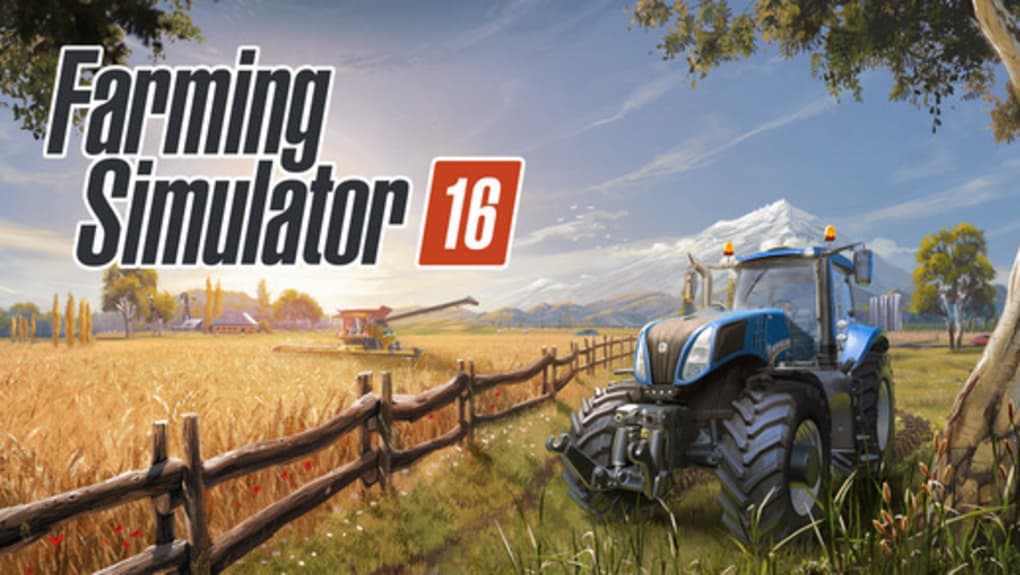
Farming Simulator 16 delivers a comprehensive agricultural simulation experience tailored for mobile devices. Designed for players seeking a strategic, immersive farming journey, the game enables users to cultivate fields, manage machinery, and oversee farm finances. Its core purpose lies in simulating real-world farming operations, from plowing and sowing to harvesting and selling crops. The gameplay revolves around building a sustainable farm economy by optimizing production cycles and expanding operations through reinvested profits. This makes it ideal for casual gamers, simulation enthusiasts, and fans of strategy-based mobile experiences. The developer, Giants Software, is known for its simulation titles, particularly within the Farming Simulator series, lending credibility to the game’s authenticity and depth. While the mobile version is not a direct port of the PC counterpart, it retains the core mechanics and procedural logic of its desktop predecessors. Real-world usage scenarios include managing seasonal crop cycles, balancing equipment costs, and adapting to fluctuating market prices. The game’s deliberate pacing encourages thoughtful decision-making, transforming routine farming tasks into a satisfying, long-term strategy. The developer did not provide additional system requirements beyond the supported platforms.
Key Features & Capabilities
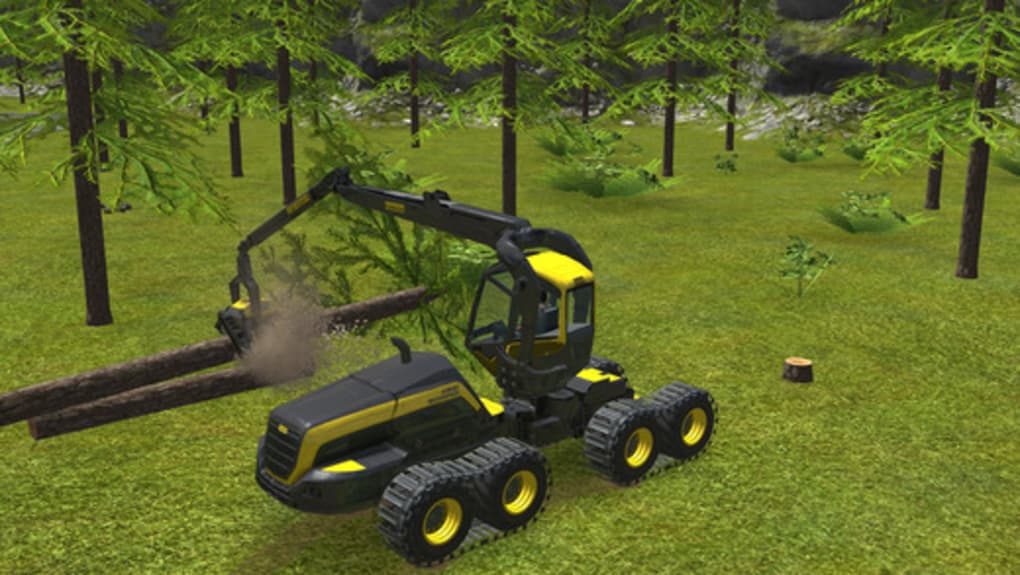
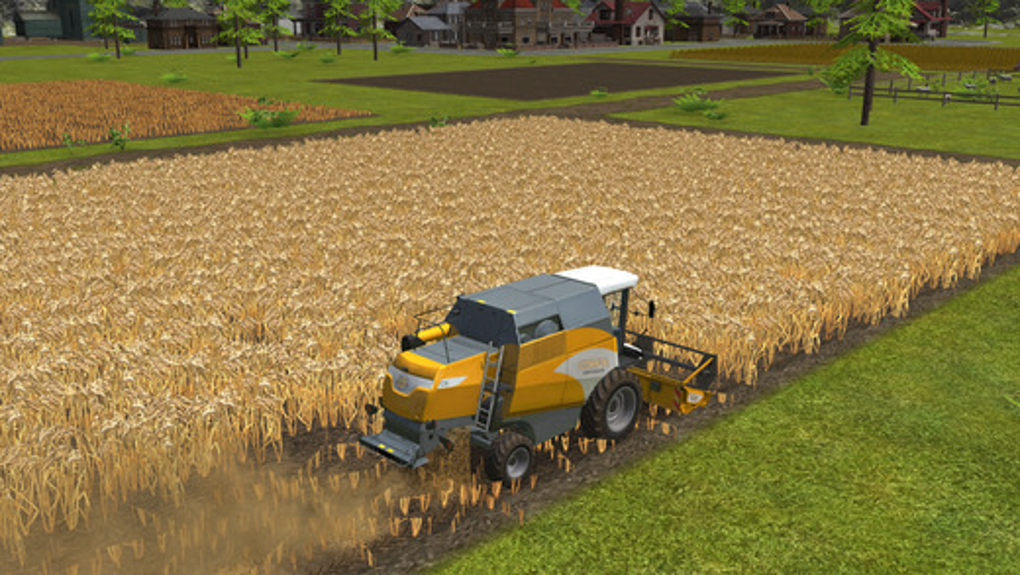
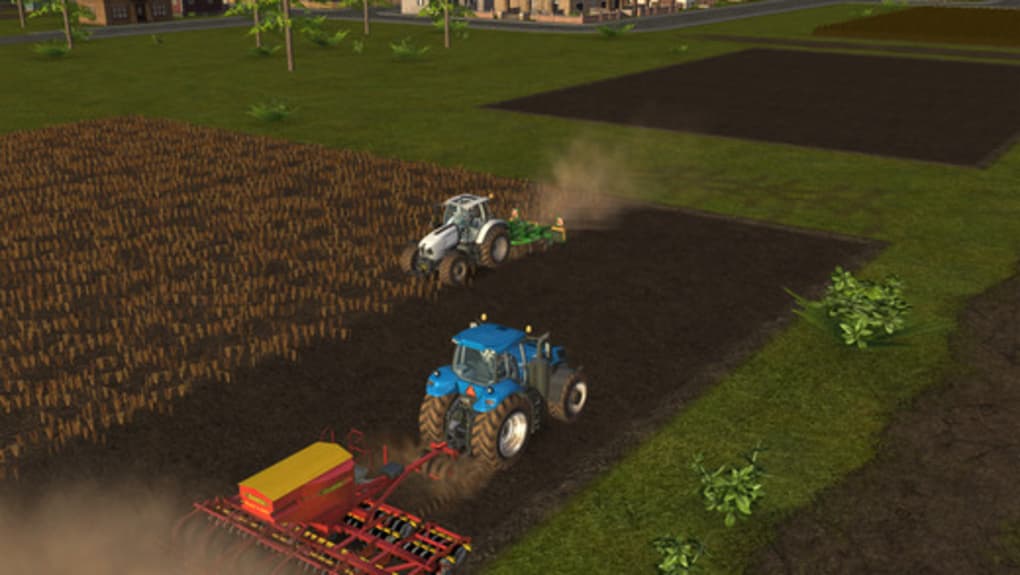
- Realistic Farming Mechanics – Players engage in authentic agricultural tasks such as plowing, seeding, fertilizing, and harvesting using a wide array of licensed machinery.
- Dynamic Market System – Crop prices vary based on supply and demand, encouraging strategic planning to maximize profit and reinvest in farm expansion.
- Extensive Machine Library – Over 50 licensed farming machines, including balers, windrowers, and combines, each with detailed visual and functional accuracy.
- Progressive Farm Development – Players expand their operations by purchasing additional land, upgrading equipment, and hiring farmhands to increase efficiency.
- Multiplayer Support – Local multiplayer via Bluetooth and Wi-Fi allows friends to collaborate or compete on shared farm tasks.
- Intuitive In-Game Controls – Accessible interfaces enable quick access to essential functions, from honking the horn to switching crops and checking financial reports.
These features support a deep, layered gameplay loop where each action influences long-term outcomes. For example, choosing high-demand crops during peak season can significantly boost income, while delaying harvest due to poor timing may result in losses. The game’s design promotes resource management and long-term planning, making it more than a simple task manager. While the developer did not specify performance details, the interface remains responsive across supported devices. The absence of extensive tutorials is balanced by contextual hints and a readily accessible 23-page manual, allowing players to learn at their own pace.
User Interface, Workflow & Performance
The user interface is structured around accessibility and visual clarity, with key functions placed within easy reach. Main controls are organized into intuitive panels, allowing players to switch between crops, monitor finances, and manage equipment with minimal navigation. The workflow follows a logical sequence: prepare land → plant crops → wait for growth → harvest → sell → reinvest. This cyclical process is designed to be engaging without overwhelming the user. Navigation is straightforward, relying on touch gestures and on-screen buttons, with no need for complex inputs. The game’s pace is intentionally slow, emphasizing precision and strategy over speed, which contributes to a calm, immersive experience. While exact performance data was not provided, the interface remains stable during extended play sessions. The developer did not specify resource usage details, but general software behavior patterns suggest efficient memory and CPU utilization. Stability appears consistent across supported devices, with no reported crashes or freezes. The game’s design prioritizes usability, ensuring that even new players can grasp core mechanics quickly.
Compatibility & System Requirements
Farming Simulator 16 is available on both Android and iOS platforms, making it accessible to a broad mobile audience. The software version is 1.0.0, with a file size of 1.2 GB, indicating a substantial installation footprint due to high-quality assets and detailed machine models. The developer did not specify exact system requirements, such as minimum RAM, processor speed, or storage capacity. Compatibility information is limited to the operating systems listed. While the game runs on modern smartphones and tablets, users should ensure sufficient storage space is available for installation and updates. The developer did not provide additional details on hardware requirements. Performance may vary depending on device capabilities, but the game’s design suggests optimization for mid-to-high-end mobile hardware.
Pros and Cons
Pros
- Authentic farming simulation with realistic mechanics and detailed machinery
- Engaging, long-term progression loop centered on financial and operational growth
- Over 50 licensed machines with accurate visual and functional representation
- Support for local multiplayer via Bluetooth and Wi-Fi
- Intuitive interface with easy access to key controls and information
- Free to download with no mandatory in-app purchases
Cons
- Minimal tutorial content may challenge complete beginners
- Exact system requirements were not listed
- Performance behavior on low-end devices is unknown
- Offline mode functionality is not specified
FAQ Section
Is Farming Simulator 16 available for both Android and iOS?
Yes, the game is compatible with both Android and iOS devices, allowing users across major mobile platforms to access the full simulation experience.
Is the game free to download and play?
Yes, Farming Simulator 16 is available at no cost. While in-app purchases exist, they are optional and not required to enjoy the core gameplay.
Can I play with friends on the same device?
Yes, local multiplayer is supported through Bluetooth and Wi-Fi, enabling two players to join the same game session and collaborate or compete on farm tasks.
Does the game require an internet connection?
The developer did not specify whether online connectivity is required. However, the game includes offline functionality such as local farming and financial management, suggesting it can be played without an internet connection.
What type of license does Farming Simulator 16 have?
The software is distributed under a free-to-play model, with no explicit licensing details provided. Users are granted access to the game under the terms set by the developer, Giants Software.
Final Thoughts & CTA
Farming Simulator 16 stands out as a surprisingly deep and rewarding mobile simulation game. Despite its free status, it delivers a polished, strategic experience that balances realism with accessibility. The game’s emphasis on long-term planning, financial management, and mechanical detail creates a satisfying feedback loop that keeps players engaged over time. Its extensive machine library, dynamic market system, and local multiplayer functionality add substantial replay value. While the lack of detailed system requirements and minimal onboarding may pose challenges for some users, the intuitive interface and progressive learning curve help mitigate these issues. This game is best suited for fans of strategy and simulation genres, as well as anyone looking for a relaxing yet engaging mobile experience. For those seeking a genuine farming journey on their smartphone or tablet, Farming Simulator 16 offers a compelling entry point. Download Farming Simulator 16 now.
Guides & Tutorials for Farming Simulator 16
How to install Farming Simulator 16
- Click the Preview / Download button above.
- Once redirected, accept the terms and click Install.
- Wait for the Farming Simulator 16 download to finish on your device.
How to use Farming Simulator 16
This software is primarily used for its core features described above. Open the app after installation to explore its capabilities.
User Reviews for Farming Simulator 16 0
No reviews found





